Choose the option:
OR
OR
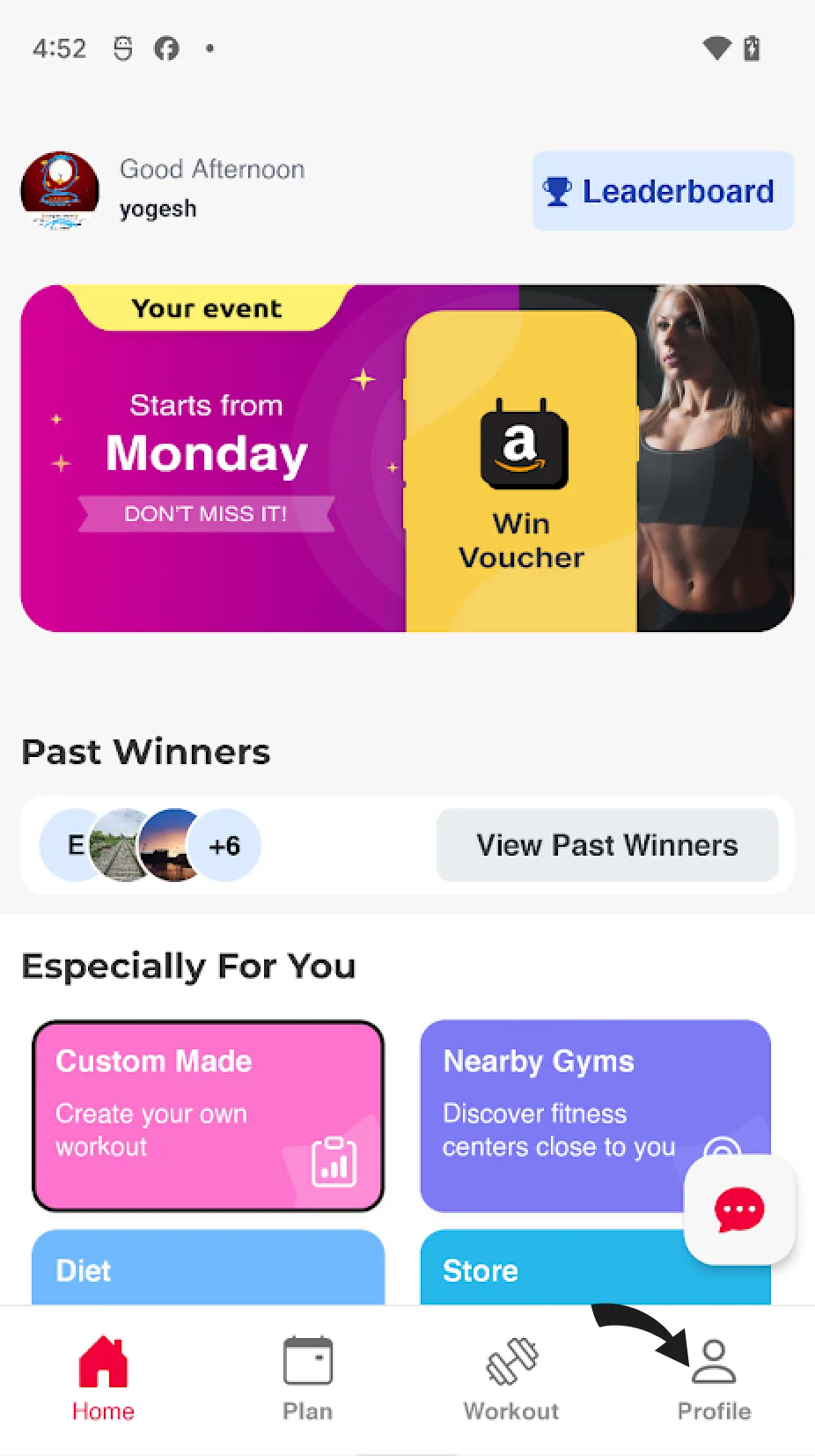
Click on the profile icon on the dashboard.
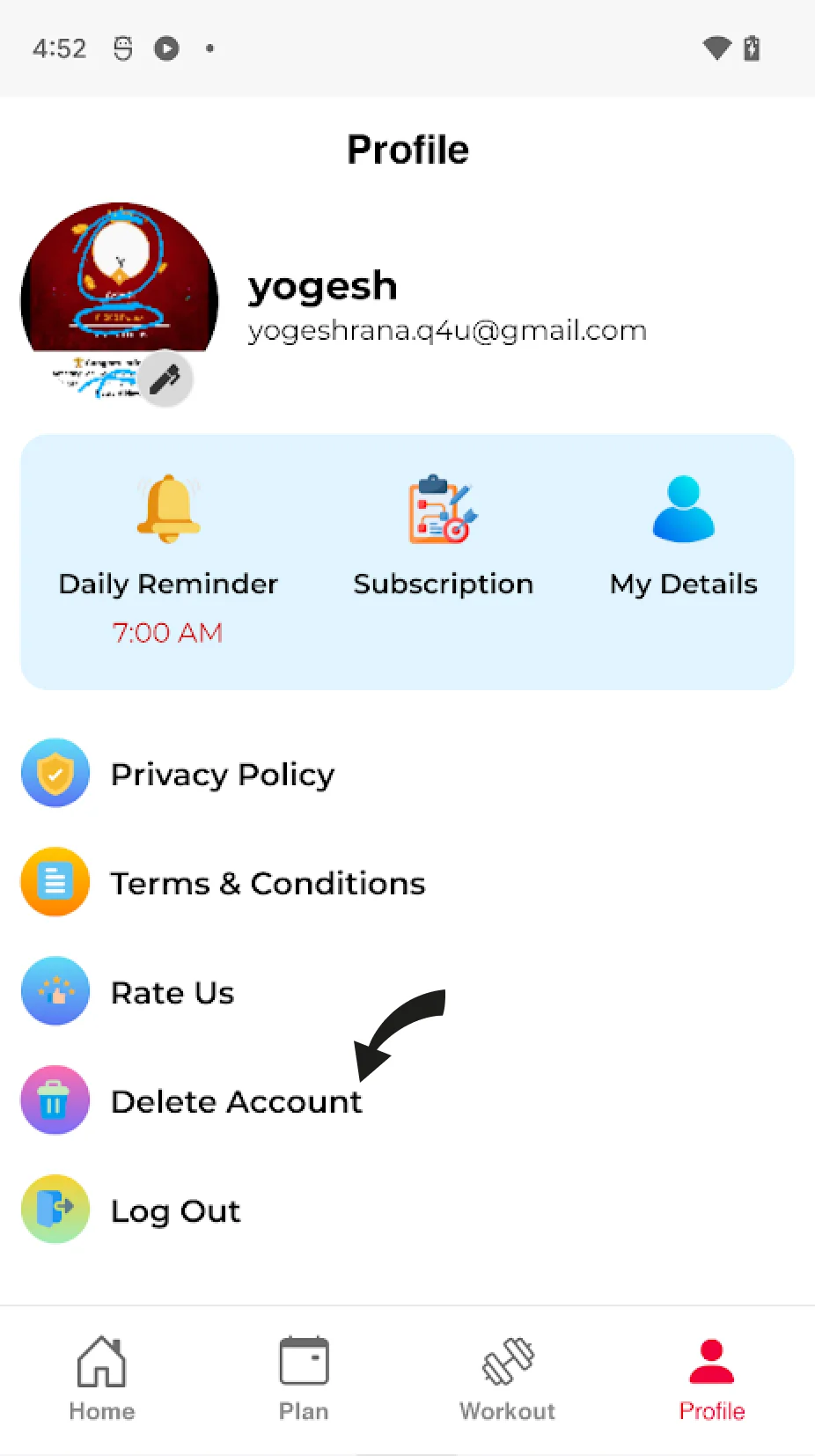
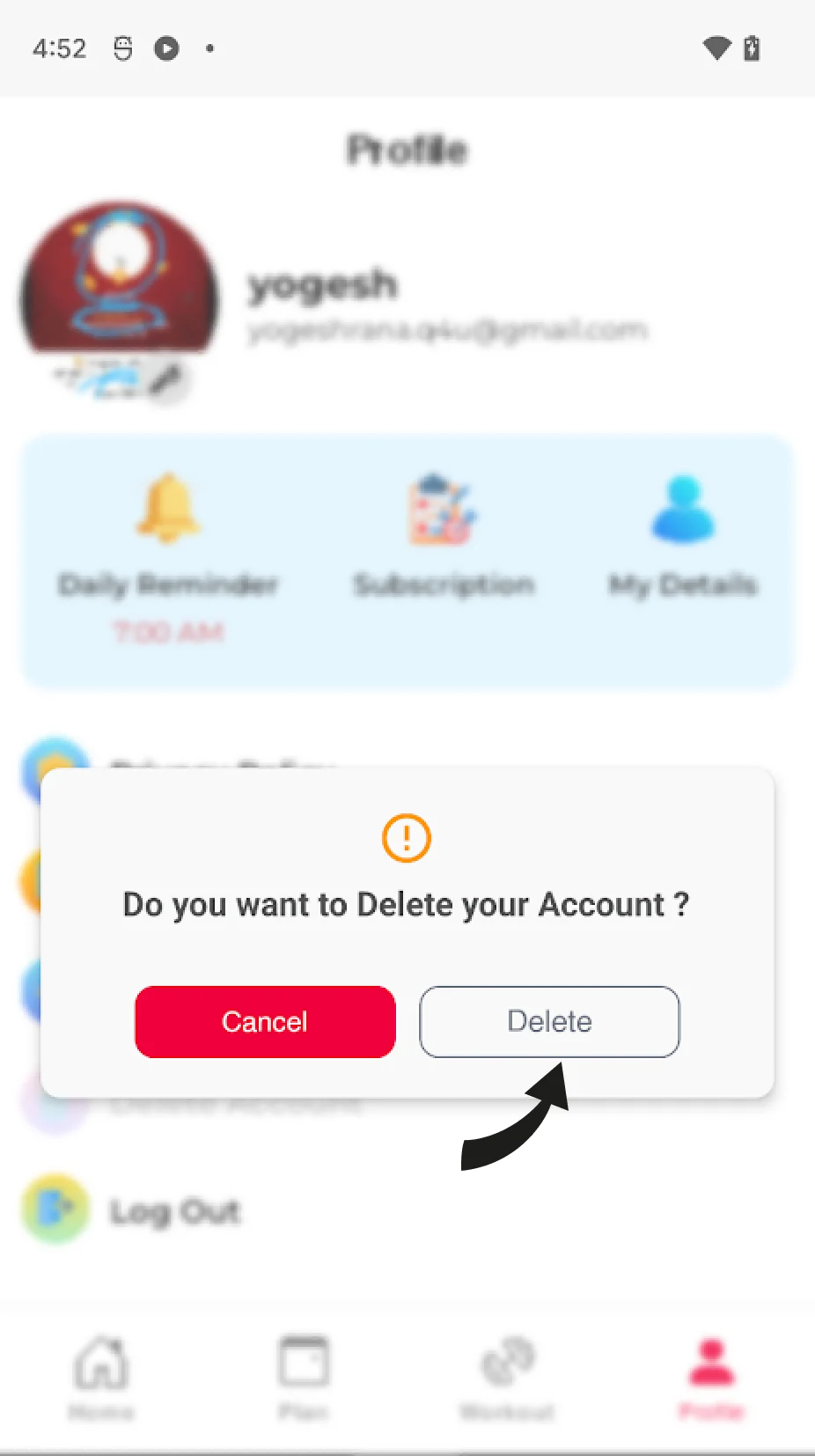
Click on the "Delete Account" at the bottom of the Profile Page.
Click on the Delete button to delete your account and data permanently.
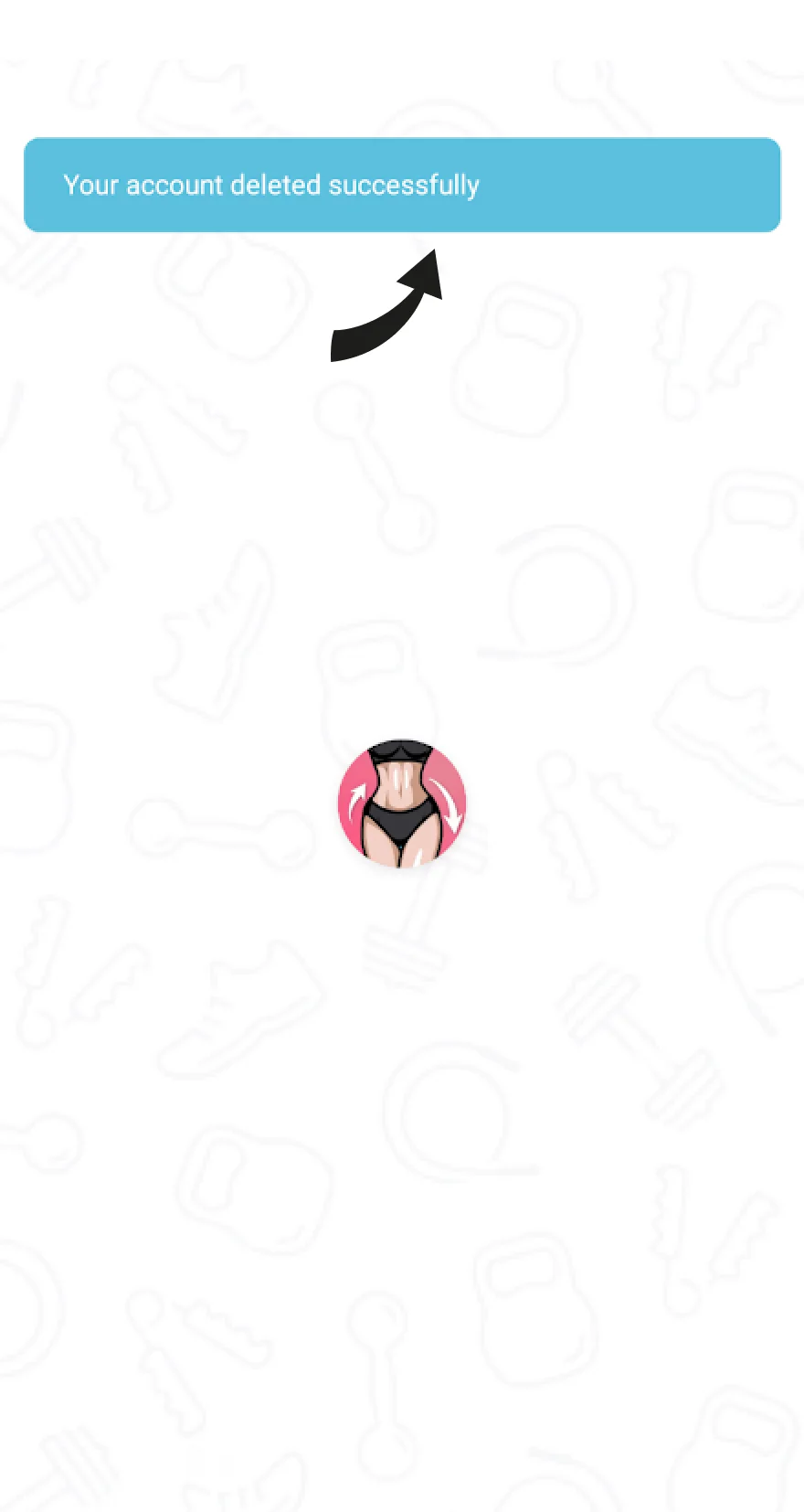
Your account and data have been deleted permanently. The app will redirect you to the start screen to start again.